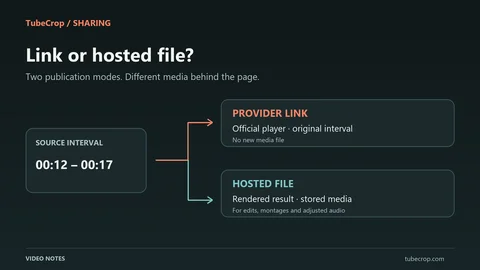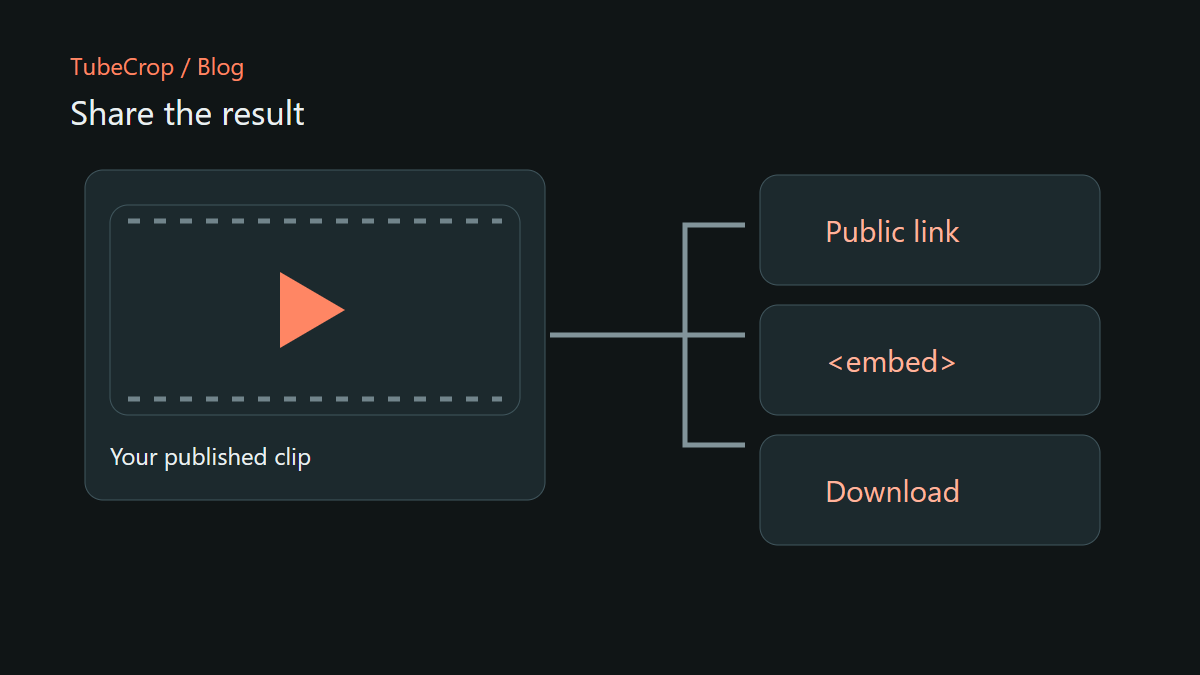
Sending a file and sharing a page are different experiences. A downloaded clip is useful when someone needs their own copy. A public TubeCrop page is useful when you want a link that opens a player with a title and description explaining the moment.
An embed puts that player inside another page. It does not make the clip permanent, and it does not replace the need for a clear description or permission to share the source material.
Publish the result you have checked
Start by reviewing your chosen interval or Studio sequence. Publication creates a processed result that is independent of the temporary editing sources. The result does not automatically change when you later adjust the project.
The publishing dialogue shows the effective duration, size and retention limits. Those limits apply to publication and can differ from an ordinary download. Check them before relying on a public link for a time-sensitive presentation.
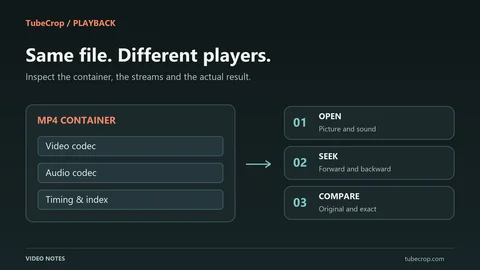
Video publication uses MP4/H.264, while audio publication uses M4A. When the result becomes ready, open its public page and test playback, sound and download there.
Give viewers enough context
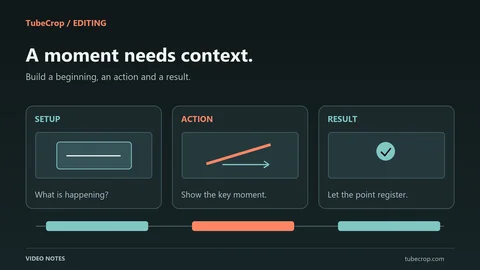
A title should identify the moment, not merely repeat a filename. “How the folding mechanism locks into place” tells a reader more than “clip-final-2”. A short description can explain what is being demonstrated and which detail to watch.
Avoid claims the clip does not support. A title that promises an entire tutorial is misleading if the result contains only the final few seconds. The page should help viewers decide whether the clip answers their question.
Check the thumbnail too. A dark or uninformative frame makes a good clip harder to recognise when it appears beside other links.
Keep the management link private
The public link is for viewers. The private management link is for the owner and permits actions such as changing metadata or deleting the clip. Store it somewhere private and do not paste it into an embed, a public post or a shared screenshot.
Anonymous ownership makes that distinction especially important: there is no reader account in this workflow that turns a public link into an owner's control panel.
Changing the title or description does not render a new video. Replacing the actual edit requires a new processed result. Metadata changes may require another gallery review while the public URL remains the same.
Gallery approval is a separate step
A ready clip can have a usable link without being listed in the public gallery. Gallery inclusion and search indexing require administrative approval. Publishing should not be interpreted as automatic promotion on the site.
If you are embedding a clip in an external page, use its embed URL rather than placing the management page in a frame. Test the external page on a small screen and keep a normal public link nearby for readers who prefer to open the player separately.
Plan for expiration
The clip page shows its expiration date. Save a downloaded copy if you need the result after that date, and remember that an expired or removed clip can no longer serve as a working embed.
For a long-lived article or course, review embedded media periodically and provide enough written context that a missing player does not make the surrounding page meaningless.
Try the editor, explore approved examples in the gallery, and consult the wiki for the publication controls. A good sharing workflow includes both a readable page today and a plan for what happens when the hosted result is no longer available.