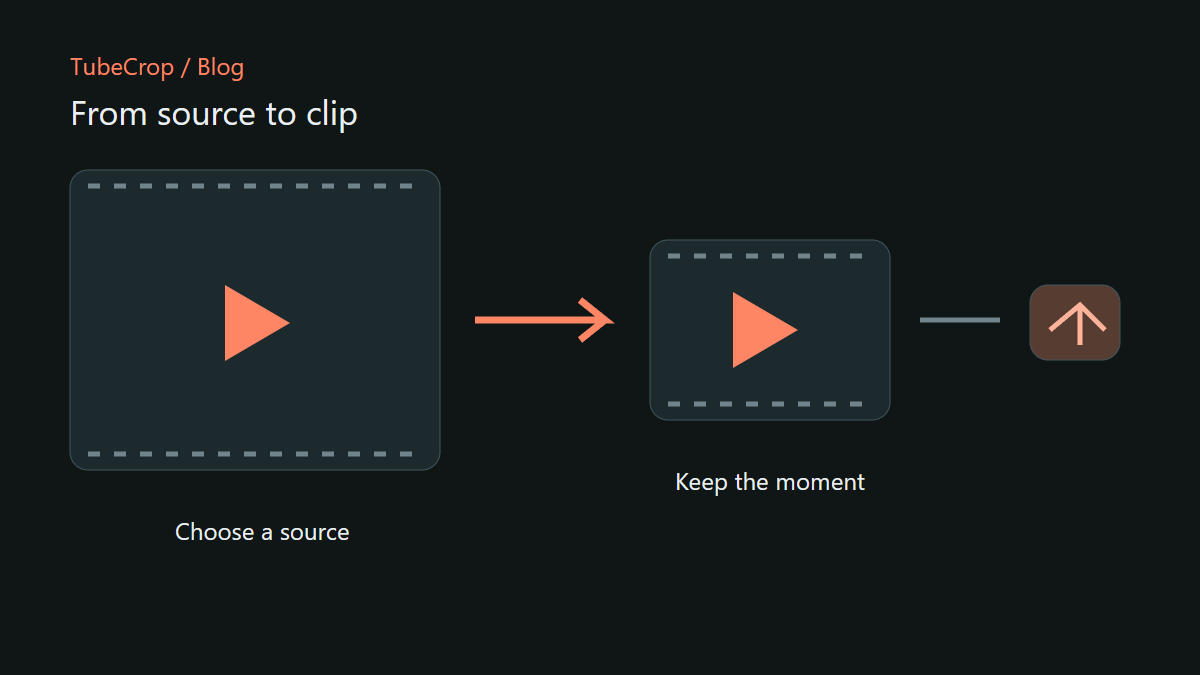
A useful clip starts with a decision: what should the viewer see, and what can you leave out? TubeCrop brings source selection, cutting and sharing into a browser workflow, with a basic editor for individual excerpts and Studio for a sequence built from several moments.
Imagine a recording of a product demonstration. You want the short explanation near the middle, without the setup at the beginning or the questions at the end. That is a good reason to start with the basic editor rather than building a multi-track project.
Start with the moment
Open the basic editor and upload a file or paste a supported video link. A link is a request to resolve media from its provider; it is not a guarantee that every private, restricted or expired source will be accessible. Only use material you are permitted to edit and share.
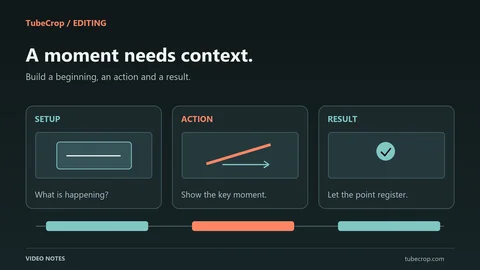
Preview the source, choose the beginning and end of your excerpt, then play across both boundaries. Starting half a sentence too late is easy to miss when you only inspect a still frame. Include enough context for someone who has not watched the original recording.
For a local file, keep your original somewhere safe. A browser session and a temporary server upload are working copies, not an archive.
Choose the right amount of editing
The basic editor is useful when one interval tells the story. TubeCrop Studio adds a timeline for combining sources, arranging segments and working with separate audio. For example, a demonstration can become three consecutive moments: the problem, the action and the result.
The Studio timeline represents the montage you are building. A source timestamp answers where a moment came from; a timeline timestamp answers where that moment appears in your finished clip. Those numbers can differ as soon as you remove a section or reorder a segment.
For a walkthrough of the controls, use the editing wiki. This article focuses on deciding what to make, rather than cataloguing every adjustment.
Download and publication serve different needs
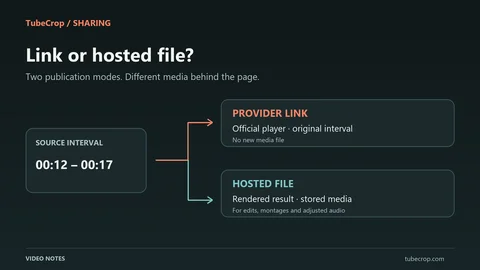
Download creates a file you can keep or upload elsewhere. Publication creates a TubeCrop page and an embed for the processed result. A public link is convenient when the viewer should not have to download a file before watching.
Publication has limits and a retention period. Check the values shown in the publishing dialogue: they can differ from the limits for an ordinary export. A published clip is not permanent hosting, so keep a downloaded copy when the result matters.
Gallery visibility is a separate moderation decision. Receiving a clip link does not mean it has been approved for the public gallery or search indexing.
A simple first project
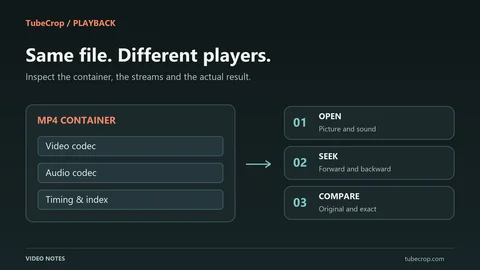
Try a short excerpt from a recording you made yourself. Give it a descriptive title, check that the first and last words are audible, and export a version you can replay outside the editor. If you publish it, open the public link in a separate browser session and check the result there too.
That small end-to-end check catches problems that a timeline alone cannot reveal: missing context, an overly abrupt ending, or text that does not explain why the clip is worth watching. Once that workflow feels comfortable, a longer Studio montage is the natural next step.